Table of Contents ▼
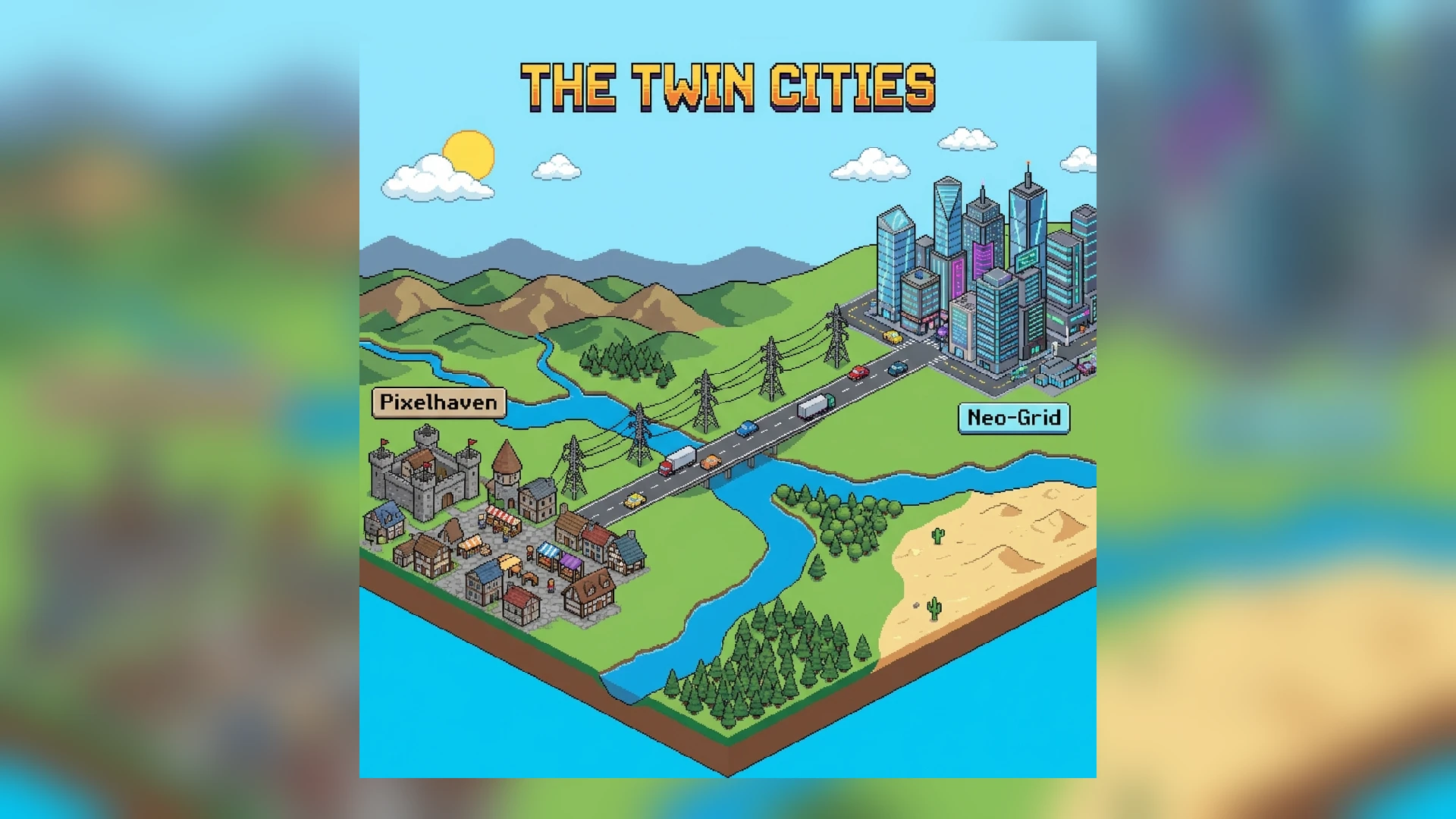
One of the deepest features in Theotown is the ability to build not just a city, but a Region. A region is a collection of individual city maps that interact with each other. This changes the game from “Building a Town” to “Building a Nation”.
This guide will teach you how to master regional mechanics, neighbour connections, and resource trading.
1. What is a Region?
When you create a new game, you usually select a “Region Size” (e.g., Small, Medium, Huge).
- The Grid: The region is divided into squares. Each square is a separate save file (a separate city).
- Interaction: Time passes in all cities, but you only actively play one at a time. However, resource calculations (like power demand from a neighbor) are updated in real-time or when you save.
2. Making the Connection
To interact with a neighbor, you must physically connect your infrastructure to the Edge of the Map.
Road Connections
You can build a road right up to the yellow/dotted line at the border.
- Action: When you touch the border, a prompt will appear: “Connect to Neighbor?”. Confirm it.
- Result: Sims can now drive from City A to City B. This enables Commuting.
Utility Connections
- Power Lines: Build a power line to the edge. This allows you to Buy or Sell electricity.
- Water Pipes: Build a pipe to the edge. This allows water trading.
3. The Strategy of Specialization
The biggest advantage of regions is that you don’t have to build everything in every city. You can specialize.
Scenario: The Clean Utopia & The Dirty Engine
Imagine you have two cities next to each other: Sunnyvale (Map A) and Smogville (Map B).
Role of Smogville (City B)
- Build 10 massive Coal Power Plants.
- Build huge dirty industrial zones.
- Build landfills and incinerators.
- Goal: Produce way more power than it needs.
Role of Sunnyvale (City A)
- Build zero power plants.
- Build zero landfills.
- Build only high-density residential and parks.
- Action: Sunnyvale connects to Smogville and buys ALL its power and exports ALL its trash.
Result: Sunnyvale has 0% pollution and extremely high land value, allowing for massive skyscrapers. Smogville makes a fortune selling electricity to Sunnyvale.
4. How to Execute a Trade
- Surplus: Ensure the “Selling” city has a surplus (Green bar in the budget/utility view). Save and exit.
- Connection: Load the “Buying” city. Ensure the power lines connect to the border of the Selling city.
- The Deal:
- Tap the Electricity Icon (or Water/Trash icon).
- Tap the “Trade” tab.
- You should see “Neighbor: Smogville”.
- Tap “Buy”. You can set the amount (e.g., 500 MW).
- Payment: The Buying city pays a monthly fee. The Selling city receives monthly income.
5. Regional Commuting
Sims are willing to travel to work.
- If City A has thousands of residents but no jobs…
- And City B has thousands of industrial jobs but no homes…
- Commuting: If connected by road/train, Sims from A will drive to B to work.
- Benefit: This solves unemployment in A and job vacancies in B without mixing the pollution of B with the homes in A.
[!TIP] High-Speed Rail: For regional commuting, highways often get jammed. Build a Train Line connecting the two cities. Trains can move thousands of commuters instantly, keeping your inter-city highways clear.
6. Creating a Megalopolis
The ultimate goal is to fill a “Huge” region map.
- Downtown: One central map with only skyscrapers and offices.
- Suburbs: Surrounding maps with low-density housing and trees.
- Industrial Wasteland: One distant map tucked in a corner containing all the nuclear plants and heavy industry.
- Transit: A web of highways and railways connecting them all.
This approach simulates real-world urban planning (like the layout of New York City and its boroughs) and is the most satisfying way to play Theotown.