Table of Contents ▼
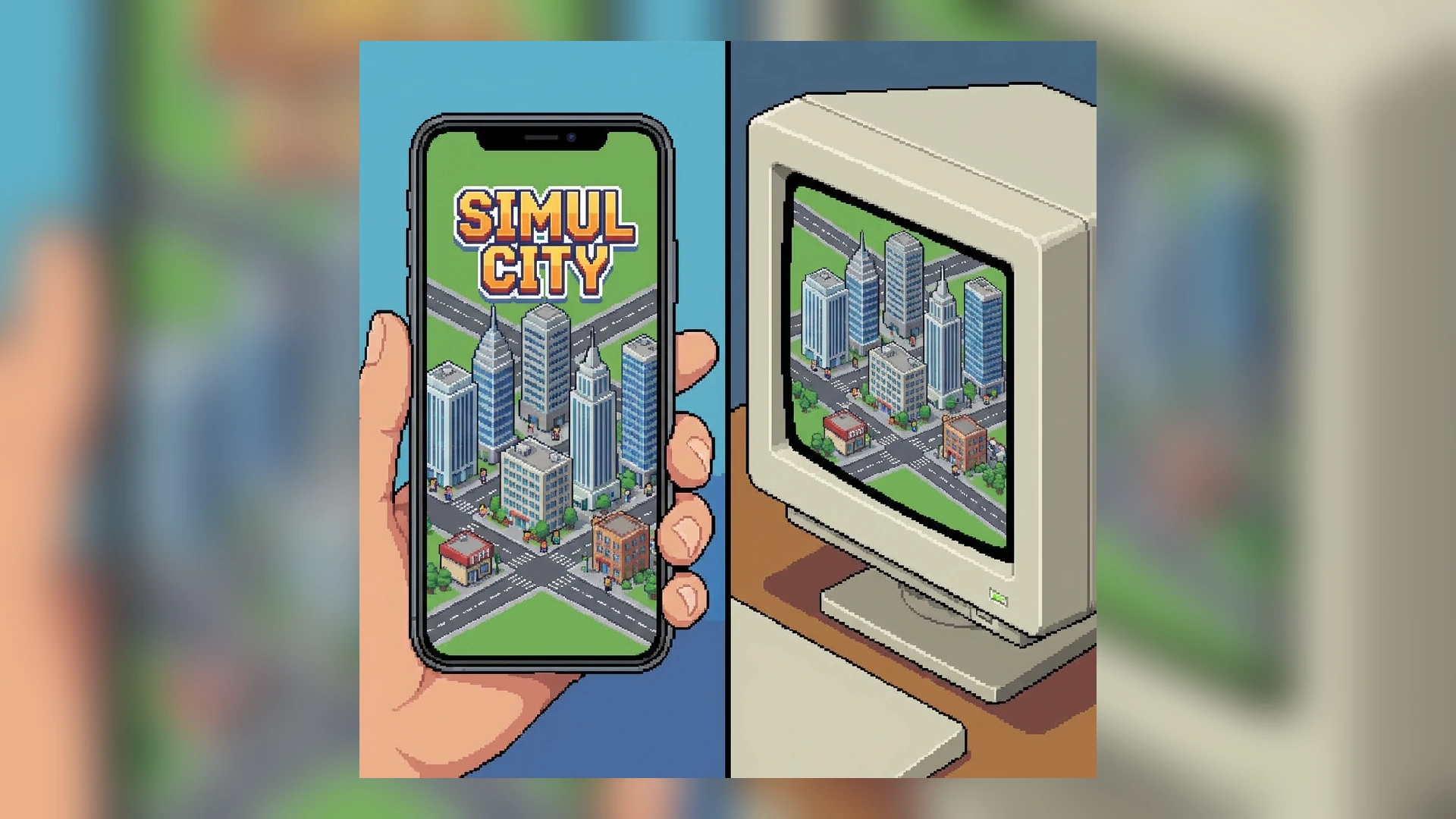
Theotown started as a mobile game but later launched on Steam (PC). A common question new players ask is: “What is the difference?” and “Can I transfer my save?”
This guide breaks down every difference so you can choose the best platform for your city-building empire.
1. The Monetization Model (Free vs. Paid)
This is the biggest difference.
Mobile (Android/iOS)
- Price: Free to Play.
- Diamonds: The premium currency. You earn them slowly or buy them with real money.
- Ads: You can watch ads to skip timers or earn diamonds.
- The Grind: Unlocking Uber Mode buildings usually requires saving up diamonds for weeks.
PC (Steam)
- Price: Paid (One-time purchase).
- Diamonds: Infinite. The premium currency exists, but you get it easily in-game without paying.
- Ads: Zero. No ads, ever.
- Timers: Reduced or non-existent waiting times.
- Verdict: If you plan to play for hundreds of hours, the Steam version is mathematically cheaper than buying diamonds on mobile.
2. Controls and UI
The game plays differently depending on your input method.
Touch (Mobile)
- Pros: Intuitive for “painting” roads by dragging your finger. Great for playing on the bus.
- Cons: Precision is hard. Selecting a single pixel on a small screen can be frustrating. Fat-finger mistakes (destroying the wrong house) happen often.
Mouse & Keyboard (PC)
- Pros: Extreme precision. Mouse scroll to zoom is fast. Hotkeys make menu navigation instant.
- Cons: Not portable.
- The “Road Logic”: PC allows for easier “Shift-Click” straight lines, which makes building perfect grids much faster.
3. Performance & Map Size
Mobile
- Limit: Phones have limited RAM. Massive maps with 100k+ citizens will cause lag or battery drain.
- Heat: Your phone will get hot during long sessions.
PC
- Power: PCs can handle “Giant” region maps that would melt a phone.
- Plugins: You can install hundreds of plugins without crashing the game, assuming your PC has decent RAM.
4. Cross-Platform Play & Cloud Saves
Can you play on both?
- The Account: You can log in to your Theotown account on both devices.
- Cloud Transfer: You CAN transfer regions between Mobile and PC using the server cloud (or manually moving files).
- Purchase Sync: No. Buying the game on Steam does NOT unlock premium benefits on Android. They are separate ecosystems.
5. Which one is for you?
Choose Mobile if…
- You want to play for free to test the game.
- You play casually during commutes.
- You don’t mind watching an ad now and then for a boost.
Choose PC/Steam if…
- You want to build Uber Mode Megalropolises.
- You hate microtransactions.
- You want to use complex Plugins that require high performance.
- You want the “Premium” experience where everything is unlocked via gameplay, not credit cards.
Conclusion
Both versions are excellent. The developers respect the players on both platforms. However, for the “Hardcore” city builder who wants to master the Industrial Strategy and build rockets, the PC version offers the superior control and performance needed for the endgame.