Table of Contents ▼
The difference between a functional city and a traffic-choked nightmare often comes down to one thing: The Layout. Before you zone a single house, you need a plan.
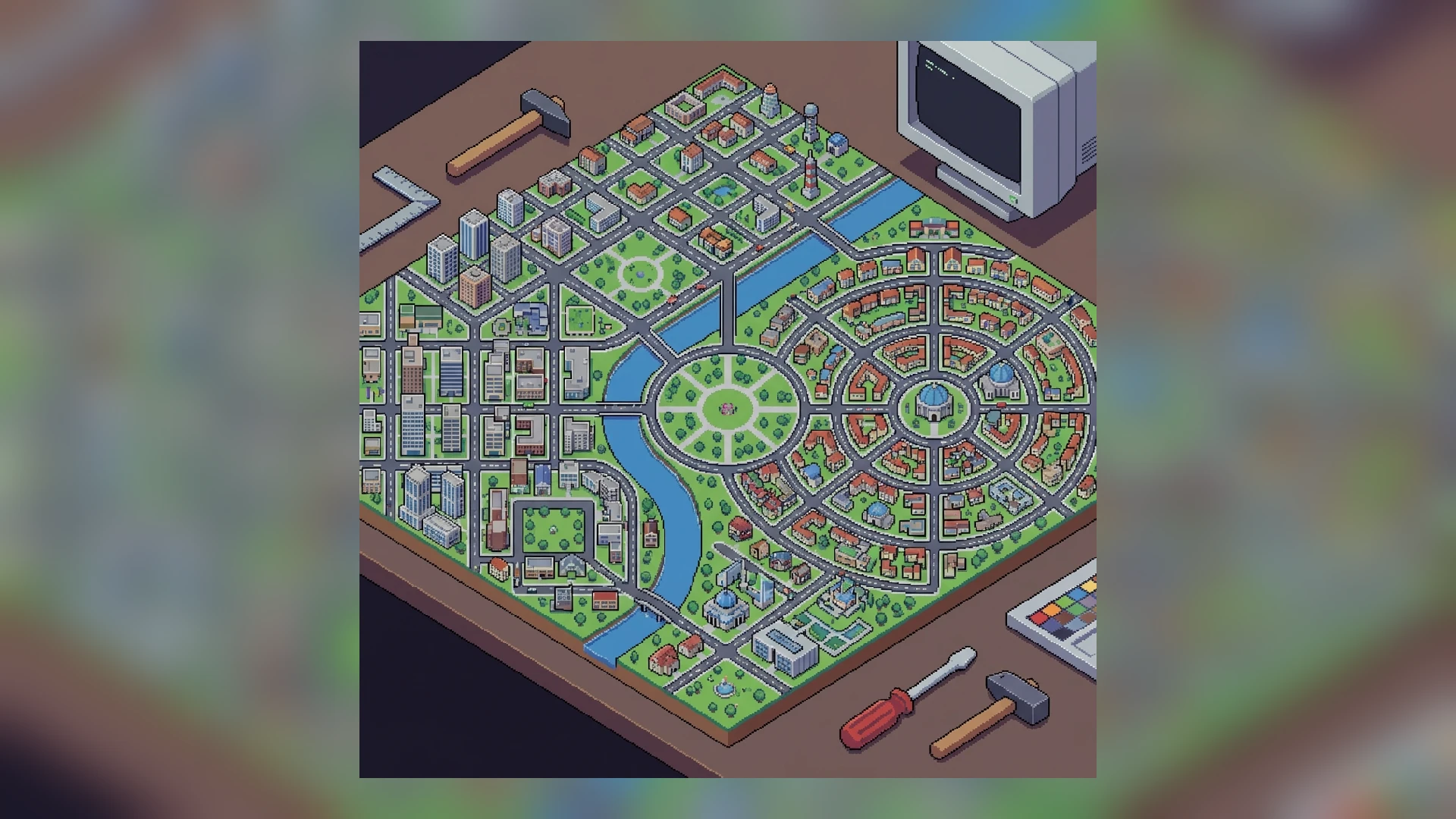
There are dozens of ways to build a city, but in Theotown, they usually fall into three categories: The Grid, The Superblock, and The Organic Flow. This guide will help you choose the right one.
1. The Classic Grid (North American Style)
This is the most common layout for beginners.
- Design: Roads run perpendicular to each other, creating square or rectangular blocks.
- Block Size: A standard reliable size is 4x4 tiles inside the road (6x6 including roads). This allows for two 2x2 buildings back-to-back.
- Pros:
- Max Density: Wastes zero space. Every tile is distinct.
- Easy: Simple to expand. Just add another row.
- Cons:
- Traffic: Creates MANY intersections (4-way stops). As discussed in our Traffic Guide, intersections are the enemy of speed.
- Boring: It looks repetitive.
Verdict: Good for the early game and industrial zones where efficiency matters most.
2. The Superblock (Modernist Style)
This is an evolution of the grid designed to fix the traffic problem.
- Design: Instead of many small blocks, you build MASSIVE blocks (e.g., 20x20 tiles) surrounded by large avenues.
- Internal: Inside the block, you use small streets or pedestrian paths that do not connect through to the other side.
- Pros:
- Traffic: Fast flow on the main avenues because there are fewer intersections.
- Services: You can place a school and park in the center of the superblock to cover all residents easily.
- Cons:
- Walking: Sims have to walk further to leave the block.
- Space: Requires larger initial investment in avenues.
Verdict: The best strategy for high-density residential districts.
3. Organic / Road Hierarchy (European Style)
This layout follows the terrain and focuses on “Road Hierarchy” (Arterial -> Collector -> Local).
- Design: Roads curve. Main roads branch into smaller dead-end streets (Cul-de-sacs).
- Pros:
- Traffic: Excellent. Local traffic stays local; through traffic stays on main roads.
- Aesthetics: Looks realistic and beautiful.
- Cons:
- Space: Curves leave “awkward” empty triangles that can’t be zoned. Fills these with trees or parks.
- Difficulty: Harder to plan.
Verdict: Perfect for low-density suburbs and wealthy neighborhoods.
4. Zoning Patterns
How you mix your zones is just as important as the roads.
The “Layer Cake” Method
Don’t put Residential, Commercial, and Industrial in random blobs. Layer them.
- Industrial (Outer Layer) -> Highway Access.
- Commercial (Middle Buffer) -> Serves as a wall.
- Residential (Inner Core) -> Protected from noise/pollution.
The “Checkerboard” (Not Recommended)
Some players try to mix Res/Com in a checkerboard pattern (R-C-R-C).
- Problem: The noise from Commercial zones lowers the land value of the Residential zones next door.
- Exception: Low-density commercial (corner stores) is fine next to homes, but skyscrapers are not.
5. Industrial Layouts
Industrial zones need a specialized layout.
- No Cross-Traffic: Ensure trucks do not have to drive through your city to leave.
- The “Fishbone”: A central highway with diagonal spurs coming off it. Trucks enter, load up, and leave without stopping.
Conclusion
There is no “perfect” layout. The best cities often use a mix: A rigid Grid for the industrial district, a Superblock for the dense city center, and an Organic layout for the wealthy suburbs in the hills.
Experiment! Bulldozing is part of the fun.