Table of Contents ▼
One of the greatest strengths of Theotown is its incredible plugin system. The community has created thousands of mods that add new buildings, road types, disasters, and even gameplay mechanics.
However, the in-game plugin store can be overwhelming. Some plugins are outdated, and others are overpowered (game-breaking). This guide curates the essential, balanced, and high-quality plugins that every mayor should install.
How to Install Plugins
- Open Theotown.
- Tap the “Plugin Store” icon.
- Use the Search bar to find the names listed below.
- Tap “Download”.
- Restart the game to ensure they load correctly.
1. Essential Infrastructure
These plugins fix holes in the base game’s utility lineup.
The “Road Tool”
- Why you need it: The base game road building is fine, but sometimes you want to fine-tune lanes.
- Features: Allows you to change turn arrows (force left turn only), add markings, and create custom intersections. Essential for fixing Traffic bottlenecks.
Big Water Tower
- Why you need it: The default water tower is tiny. As your city grows, spamming 50 small towers looks ugly.
- Features: Adds a massive industrial water tank. It stores 10x the water and saves space.
Underground Power Lines
- Why you need it: Power lines are ugly.
- Features: Allows you to run high-voltage cables underground, just like water pipes. Perfect for creating a clean, wire-free downtown.
2. Realistic Buildings
Theotown’s default style is great, but sometimes you want realism.
The “Philippine Pack” (by Ian T.)
- Why you need it: Even if you aren’t from the Philippines, this pack contains some of the best-detailed commercial buildings in the store.
- Features: Jollibee, 7-Eleven, and realistic medium-density shops that add life to your streets.
Japanese Road Pack
- Why you need it: Adds immense variety to roads.
- Features: Narrow streets, pedestrian paths, and unique highway barriers. Great for building compact, walkable cities.
Modular Airport
- Why you need it: The default airport is just a single building.
- Features: Allows you to build runways, terminals, and hangars piece-by-piece. You can build an airport that rivals Heathrow or JFK in size.
3. Public Transport Overhaul
If you are following our Traffic Guide, you know mass transit is key.
Monorail System
- Why you need it: Buses get stuck in traffic. Metros are invisible. Monorails are cool.
- Features: A fully functional elevated train system. It sits above your roads, so it doesn’t take up zoning space.
- Stats: High capacity, high speed, increases land value significantly.
Tram Roads
- Why you need it: Trams (Streetcars) are efficient for medium-density avenues.
- Features: Roads with built-in tram tracks. You don’t need to build a separate rail line.
4. Quality of Life (QoL)
TheoTown Decor Pack
- Why you need it: The game needs more props.
- Features: Benches, fences, walls, fountains, and statutes.
- Use Case: Use these to fill the awkward 1x1 empty gaps between buildings. A small plaza looks much better than an empty grass patch.
Automatic Bulldozer (Auto-Bulldoze)
- Why you need it: Manually tapping every burnt-down ruin is tedious.
- Features: Automatically removes rubble and destroyed buildings. Keeps your city looking clean without you lifting a finger.
5. Just for Fun (Visuals)
Night Mode Lights
- Why you need it: The default night mode is dark.
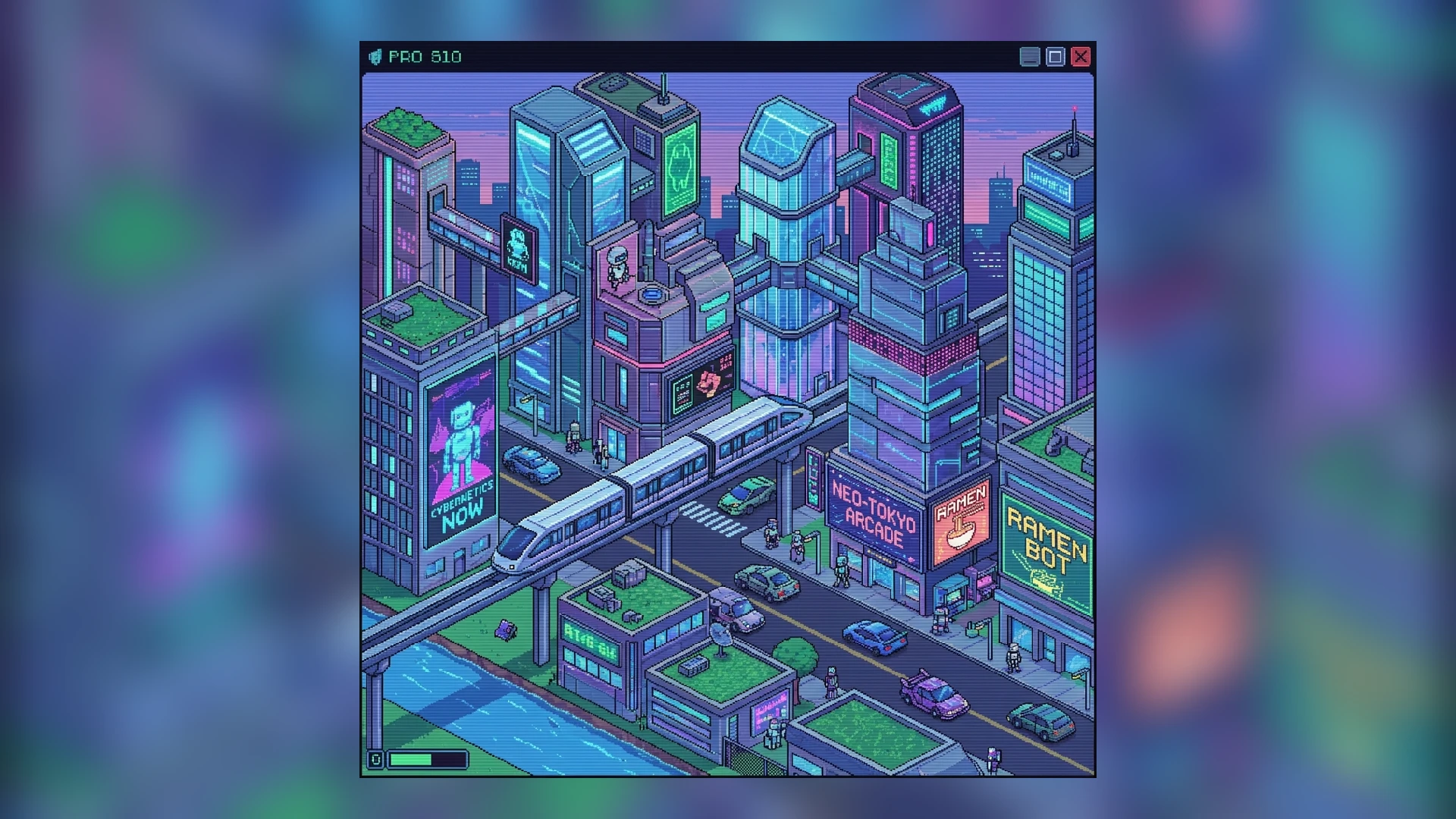
- Features: Adds glowing neon signs and window lights to standard buildings. Makes your city look like a Cyberpunk metropolis at night.
Warning: Cheaty Plugins
You will see plugins like “1,000,000 Cash Plant” or “God Mode Tree”.
- Advice: Avoid these for your main city. They ruin the economy challenge.
- Exception: Use them only if you are building in Sandbox mode for artistic purposes. Using them in a survival city will make the game boring very quickly as you remove the challenge of balancing the Economy.
Conclusion
Plugins keep Theotown fresh for years. Start with these essentials, and then explore the store to find your own style. Just remember to check the ratings—highly rated plugins are usually bug-free and balanced!